
Choose The Best Plan For Your Business

price image Basic
99SAR / 30 Days
  • One digital menu, up to 50 items, QR codes for every table, and unlimited orders.قائمة رقمية واحدة، حتى ٥٠ صنفاً، رموز QR لكل طاولة، وطلبات غير محدودة.
price image Professional
249SAR / 90 Days
  • Everything in Basic, plus unlimited items, discount coupons, sales reports and the call-waiter button.كل مزايا الأساسية، بالإضافة إلى أصناف غير محدودة، كوبونات خصم، تقارير المبيعات، وزر نداء النادل.
price image Business
899SAR / 365 Days
  • Everything in Professional, plus multiple waiter accounts, expense tracking, priority support — and two months free.كل مزايا الاحترافية، بالإضافة إلى حسابات نُدُل متعددة، إدارة المصروفات، دعم بأولوية — وشهران مجاناً.
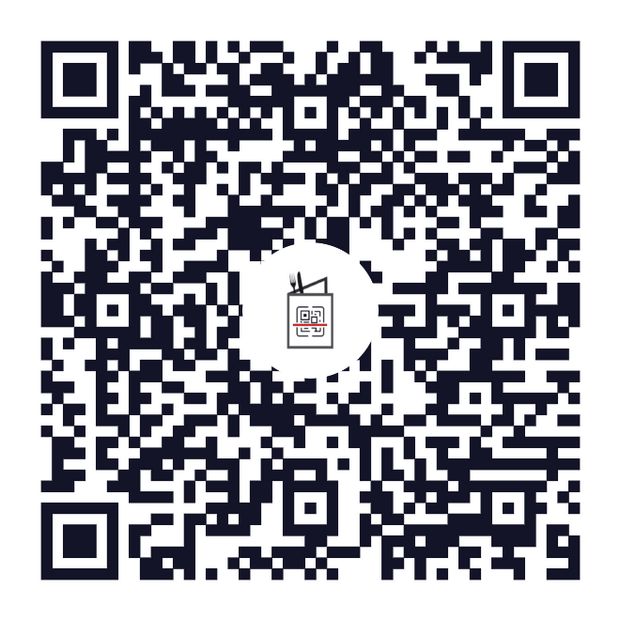
QR code for the Digital Menu demo restaurant

Try it before you buy

Scan the code with your phone camera, or open the demo menu right here — it is the same menu your guests would see.

Open the demo menu

Compare the plans

Every plan includes unlimited orders and the bilingual menu. Upgrade only for the extras you need.

Compare the plans
Feature Basic Professional Business
Menus 1
Items on the menu 50
QR code per table
Unlimited orders
Arabic + English menu
Discount coupons
Sales reports
Call-waiter button
Multiple staff accounts
Expense tracking
Support Email Priority

Frequently asked questions

Everything restaurant owners ask us before they start.

Do my guests need to install an app?
No. They point the phone camera at the QR code and the menu opens in the browser. There is nothing to download, no account to create, and it works the same on iPhone and Android.
What happens to my printed codes when I change a price?
Nothing — you never reprint. The QR code points at your menu, not at a fixed copy of it, so any edit you save is live the next time somebody scans.
Can I run the menu in Arabic and English?
Yes, both are included on every plan. Guests switch language inside the menu, and the whole layout flips to right-to-left for Arabic rather than just swapping words.
How do orders reach my kitchen?
The moment a guest sends an order it appears in your dashboard, with the table number attached. You can keep the dashboard open on a tablet in the kitchen or on the counter.
Do I need special hardware?
No. Any device with a browser works — a phone, a tablet or the computer you already have. The only thing you print is the QR codes for the tables.
Can I use it across more than one branch?
Yes, on the Business plan. Each branch gets its own menu and its own codes, and you see all of them from one dashboard.
How do I get paid for the orders?
Orders are placed through the menu and settled with you as usual — cash or card at the table. Online card payment can be switched on later once you connect a payment provider.
What if I need help setting it up?
Message us on WhatsApp and we will build the first version of your menu with you. Most restaurants are live the same day.
Chat on WhatsApp